Explore how enterprise AI voice agents integrate with Salesforce to automate lead capture, customer service, case resolution, and conversational CRM workflows using real-time voice AI automation.
- 1AI voice agents for Salesforce automate lead capture, support workflows, and case management.
- 2Voice AI systems can create and update Salesforce records in real time during customer calls.
- 3Conversational AI in Salesforce extends beyond chatbots into voice-enabled CRM automation.
- 4AI voice automation improves inbound call handling, qualification, and service routing.
- 5Voice AI agents integrate with Salesforce objects, Flows, APIs, and Service Cloud workflows.
- 6AI-powered voice systems reduce repetitive workload for sales and support teams.
- 7Modern Salesforce voice AI solutions support intelligent escalation and human handoff workflows.
- 8Voice AI agents can personalize customer interactions using CRM context and historical data.
- 9Service Cloud AI agents improve resolution speed with preloaded intent and conversation summaries.
- 10Enterprise AI voice systems help organizations scale customer engagement without expanding support teams.
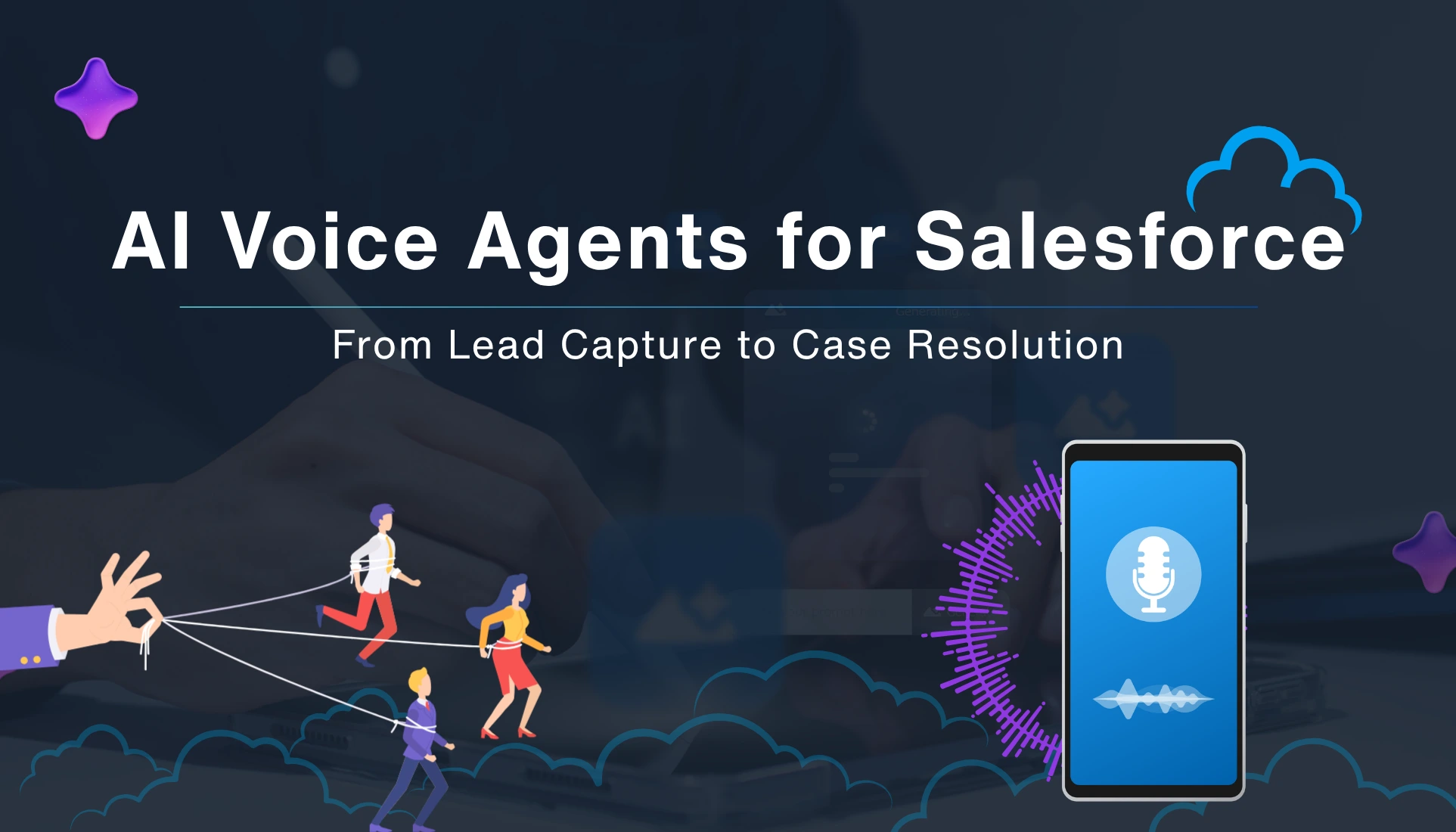
Enterprise AI Voice Agents for Salesforce: From Lead Capture to Case Resolution
If you're serious about modernizing your Salesforce stack, you've probably heard buzz about voice AI for CRM workflows. But what that actually means in practice — especially for a real-world org — often gets lost in the hype. In this article, we'll walk through how enterprise AI voice agents plug into Salesforce, from the very first call from a cold lead to full case resolution in Service Cloud.
Why voice AI is suddenly "real" in Salesforce
Salesforce has spent years building out conversational AI Salesforce experiences — chatbots, Einstein-driven recommendations, omnichannel routing, and agent-assisted tools. What's new is that voice agents can now sit inside the same ecosystem, not just as a separate IVR layer, but as true co-pilots that act on records, update fields, and even trigger downstream workflows.
This isn't just "voice-enabled chat." It's AI voice automation for CRM that turns spoken conversations into completed business actions — bookings, case creation, lead updates, and even post-call summarization — right inside Salesforce.
AI voice agents for Salesforce: What they actually do
At its core, an AI voice agent for Salesforce is a voice-enabled system that doesn't just listen, but acts on what it hears.
It can take or make calls over your existing phone or softphone system, fitting in like a regular line. When the call begins, it listens, grabs key details, and pinpoints the caller's intent — booking a meeting, checking a balance, or raising an issue. Instead of just passing a raw transcript, it jumps into Salesforce and takes action based on the conversation.
- Create a Lead if it's a new prospect.
- Update an Account's status or contact info if something's changed.
- Open a Case or Service Appointment if the caller needs help.
On top of that, when the situation calls for it, the agent can transfer the call to a live agent, but with the Salesforce record already pre-filled and the intent already captured.
How AI voice integration in Salesforce fits into your stack
To get this working at scale, you're usually layering a few key pieces:
- A telephony or CCaaS provider that handles the actual phone lines — essentially the carrier-style layer that routes the voice.
- A voice AI engine that turns spoken input into text, interprets the caller's intent, and responds with replies that sound naturally human.
- A Salesforce AI voice integration layer that connects those voice AI signals into Salesforce objects, flows, and automation rules.
From first call to qualified lead
Imagine this scenario: a paid search ad drives a visitor to a "call to book" number. Instead of a generic IVR, they get a natural-sounding voice agent.
Behind the scenes, that's AI voice automation in action:
- Intent recognition understands whether the caller wants pricing, a demo, or support.
- The agent personalizes the next questions using the caller's Caller ID, UTM, or an existing Salesforce record.
- If the conversation qualifies the lead, the system creates a Lead (or updates a Contact).
A few practical tips here:
- Make sure your qualification questions are mapped directly to Salesforce fields early on. For example, if the agent asks, "What's your budget?" it should write that into a Budget__c style field, not just a note.
- Break the conversation into short turns — don't try to gather six pieces of data in one question. People tune out, and the agent can only process so much at once.
- Let the agent know when something is out of its lane — complex negotiations or edge case questions are perfect reasons to escalate gracefully.
Done this way, AI calling Salesforce becomes a 24/7, repeatable lead capture engine that feeds clean, action-ready data into your pipeline.
A simple table helps illustrate how traditional IVR compares to AI agents for Service Cloud style workflows:
| Aspect | Traditional IVR | AI agents for Service Cloud |
|---|---|---|
| Data awareness. | Minimal; often no CRM link. | Directly reads Salesforce records and context. |
| Decision-making ability. | Menu tree only. | Can route, create cases, and resolve simple issues. |
| Handoff experience. | Agents start from scratch. | Agent console preloads conversation summary and intent. |
This kind of setup is where voice AI for CRM workflows stops being a "nice to have" and starts feeling like a core part of your service architecture.
Architecting AI voice experiences inside Salesforce.
Designing these flows isn't just about "adding a bot." It's about treating the voice agent as a true member of your Salesforce AI voice integration architecture.
A few high-level patterns worth following:
- Start with process mapping, not tech. Sit down and list the most common call types — say, quote requests, Tier 1 support, service bookings, and billing questions.
- Keep the human in the loop. Let the agent handle the tedious part and involve humans for the complex bits.
-
Design for context handoff.
When the agent escalates, make sure the agent console shows:
- A short transcript of the key moments in the call.
- The detected intent and any entities (like ticket numbers or product SKUs).
- Any fields that have already been updated in Salesforce.
A simple mini framework for implementation:
- Define boundaries — decide which intents the agent can fully close and which it must escalate.
- Wire up the API connections — connect the telephony and voice AI layers to Salesforce via flows, Apex, or an integration platform.
- Test with real-world scenarios — don't just run clean, textbook calls. Try frustrated callers, noisy lines, and people who mix languages or talk fast.
- Monitor and iterate — keep an eye on metrics like First Contact Resolution, Average Handle Time, and Escalation Rate to see where the agent is helping — or struggling.
It's easy to skip a step or two here, but that's usually where many "voice AI" pilots lose momentum and start to feel like demos rather than real tools.
Where conversational AI comes into play
It's worth clarifying how conversational AI Salesforce experiences fit into the bigger picture.
It covers:
- Chatbots that route users to the right resources.
- AI-assisted agents in the Service Cloud console.
- The same underlying logic applies to voice agents, so the phone channel feels like a natural extension of your existing conversational layer.
When you bring AI voice agents for Salesforce into this mix, you're essentially stretching the same conversational intelligence layer from chat and email over to voice.
For example:
- The same intent model that powers your web chatbot can also drive which calls the voice agent routes or handles autonomously.
- The same knowledge base that surfaces recommended articles to agents in the console can be used by the voice agent to answer questions during a support call.
The human in the loop reality check
Here's the thing: nobody wants to feel like they're talking to a robot that refuses to transfer them.
So while AI voice automation for CRM can do a lot, the design has to respect human patience and frustration.
A few sanity check rules:
- Always provide an escape hatch — "Press 0" or "I want to speak to a person" should be honored immediately.
- Don't overpromise — if the agent can't update a specific field, it's better to say so upfront than to keep looping the caller.
- Watch for tone and sentiment — if the caller sounds angry or confused, escalate without waiting for them to explicitly ask.
On the flip side, when the agent is clearly helping, customers tend to accept it. Across the contact center space, there's growing evidence that quick, accurate resolution matters more than the channel itself.
What this looks like on a day-to-day basis
Zooming out, here's what a typical day might look like for a mid-size org using AI voice agents for Salesforce across lead and case flows:
Sales
- Inbound ad calls are answered by a voice agent that qualifies, books demos, and passes over clean Leads with context.
- Repeat callers get a personalized greeting because the agent reads their past interactions from Salesforce.
Service
- Simple issues (balance checks, password resets, status updates) are resolved in a call, often without a single click from the agent.
- Complex cases are routed to the right queue with intent and sentiment clues, so agents can jump straight into the hard part.
Operational view
- Average handle time trends down, especially on Tier 1 interactions.
- Case volume either stays steady or grows, but the effort curve flattens because the AI handles the repetitive lifting.
Yes, there's setup work and governance. But the alternative is continuing to throw humans at every call, and that's getting harder and more expensive.
Wrapping up: when AI voice agents for Salesforce make sense
Should every Salesforce org rush into AI voice agents for Salesforce? Not exactly.
It makes the most sense if:
- You already have a reasonably structured Salesforce data model: clean Leads, Accounts, Cases, and Service Appointments that teams actually trust and use.
- You're dealing with a large volume of inbound or outbound calls where many of the interactions follow a predictable pattern and can be guided by a script.
- You're ready to invest in both the integration plumbing and the ongoing work of designing and refining the voice-based customer journeys.
If that sounds like you, then Salesforce AI voice integration isn't just a "feature" anymore — it's a way to turn your phone into a data-rich, intelligent extension of your CRM.
And that's where voice AI for CRM workflows stops feeling like a demo and starts looking like the real backbone of your next-gen customer experience stack.